Founder of an EdTech startup
34 years old
Tech Fluency: Low to Moderate
Dubai, UAE
🎯 Goals:
Automate internal support and employee onboarding.
Maintain accurate, up-to-date responses by training the chatbot on internal documents and monitoring unanswered questions.
Provide 24/7 access to company knowledge and policies.
❌ Pain Points:
Difficulty setting up bots without technical skills.
Lack of content control, approval workflows, and version tracking.
Concerns around security, access permissions, and compliance.
🧩 Needs:
A simple onboarding setup (wizard-style) to upload and configure knowledge sources..
Pre-built templates for common use cases like FAQs or course assistants.
Clear pricing explanation and support content.

Product Manager
41 years old
Tech Fluency: High
Berlin, Germany
🎯 Goals:
Automate onboarding and reduce support tickets
Train chatbot on product documentation
Monitor unanswered questions, improve over time
❌ Pain Points:
Frustrated with lack of analytics or control
Wants version history of knowledge base sync
Seeks compliance clarity (GDPR, data privacy)
🧩 Needs:
Bot performance insights (charts, query logs)
Integration with internal docs & analytics tools
Admin controls and bot versioning

Developer
27 years old
Tech Fluency: Advance
Riyadh, Saudi Arabia
🎯 Goals:
Embed bots into Webflow, WordPress, or React apps
Offer AI chatbot as a value-add to his services
Monitor unanswered questions, improve over time
❌ Pain Points:
Frustrated with lack of analytics or control
Wants version history of knowledge base sync
Seeks compliance clarity (GDPR, data privacy)
🧩 Needs:
Easy-to-use API access and clear docs
Manage multiple chat bots for different clients
Simple way to customize embed code
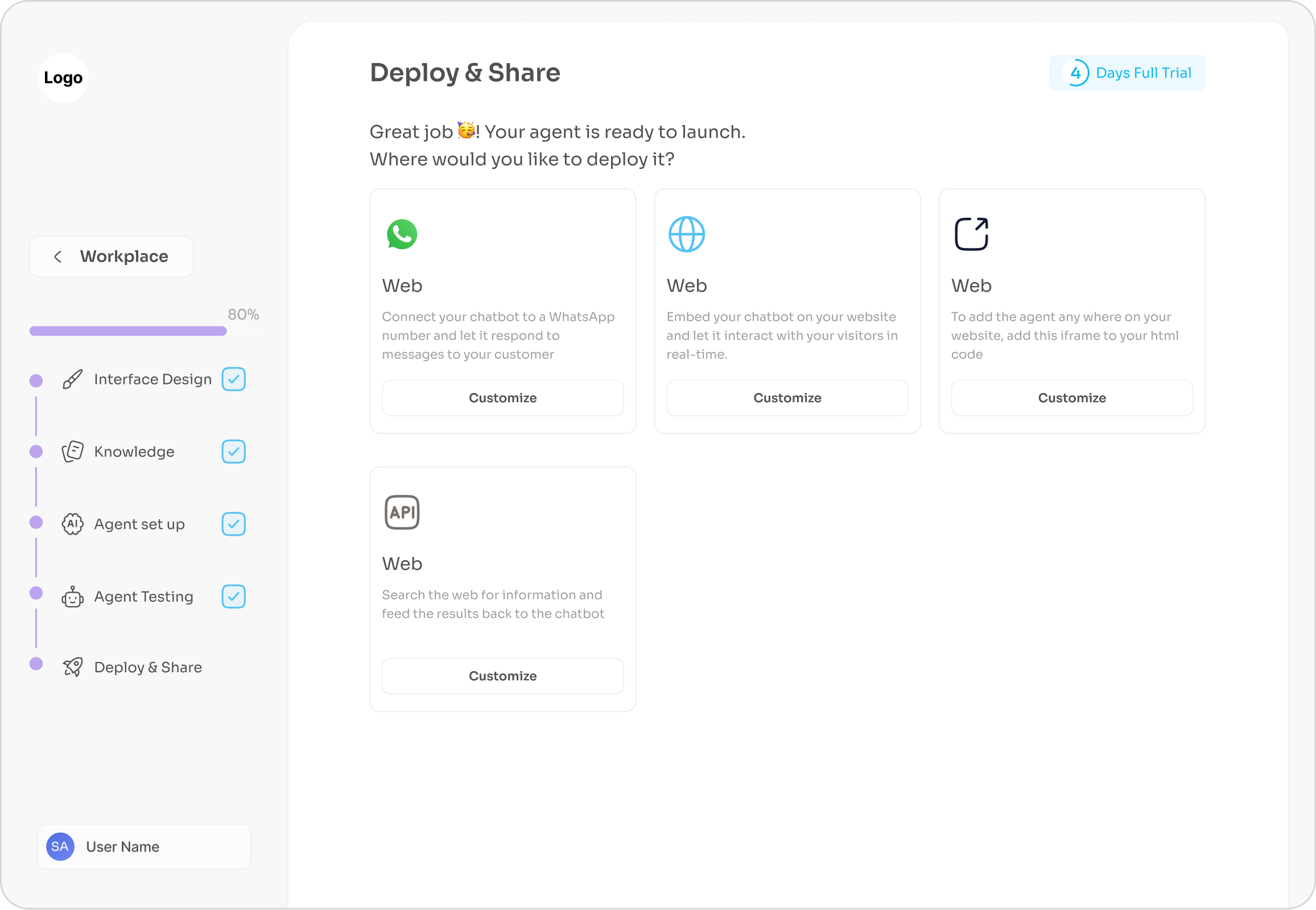
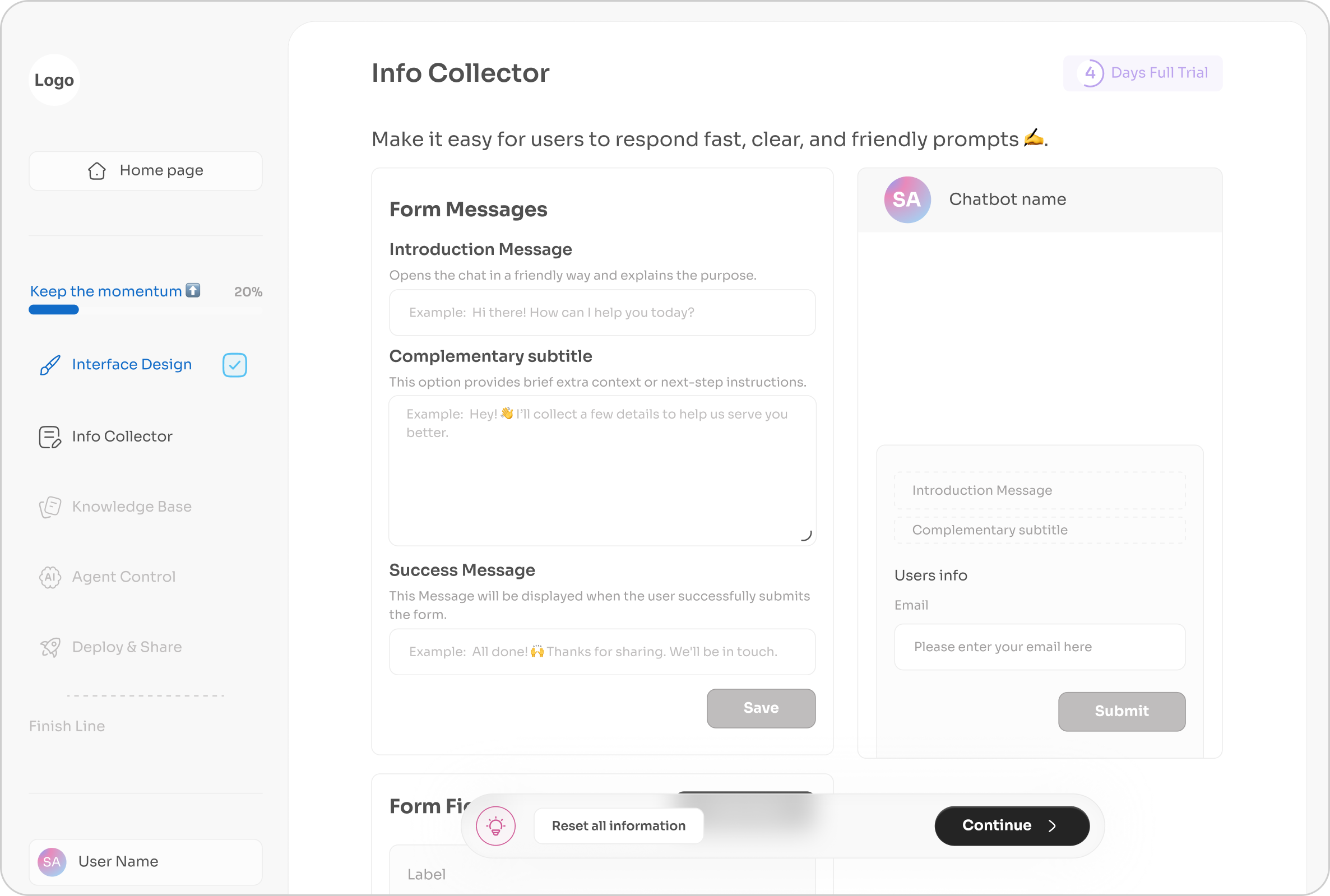
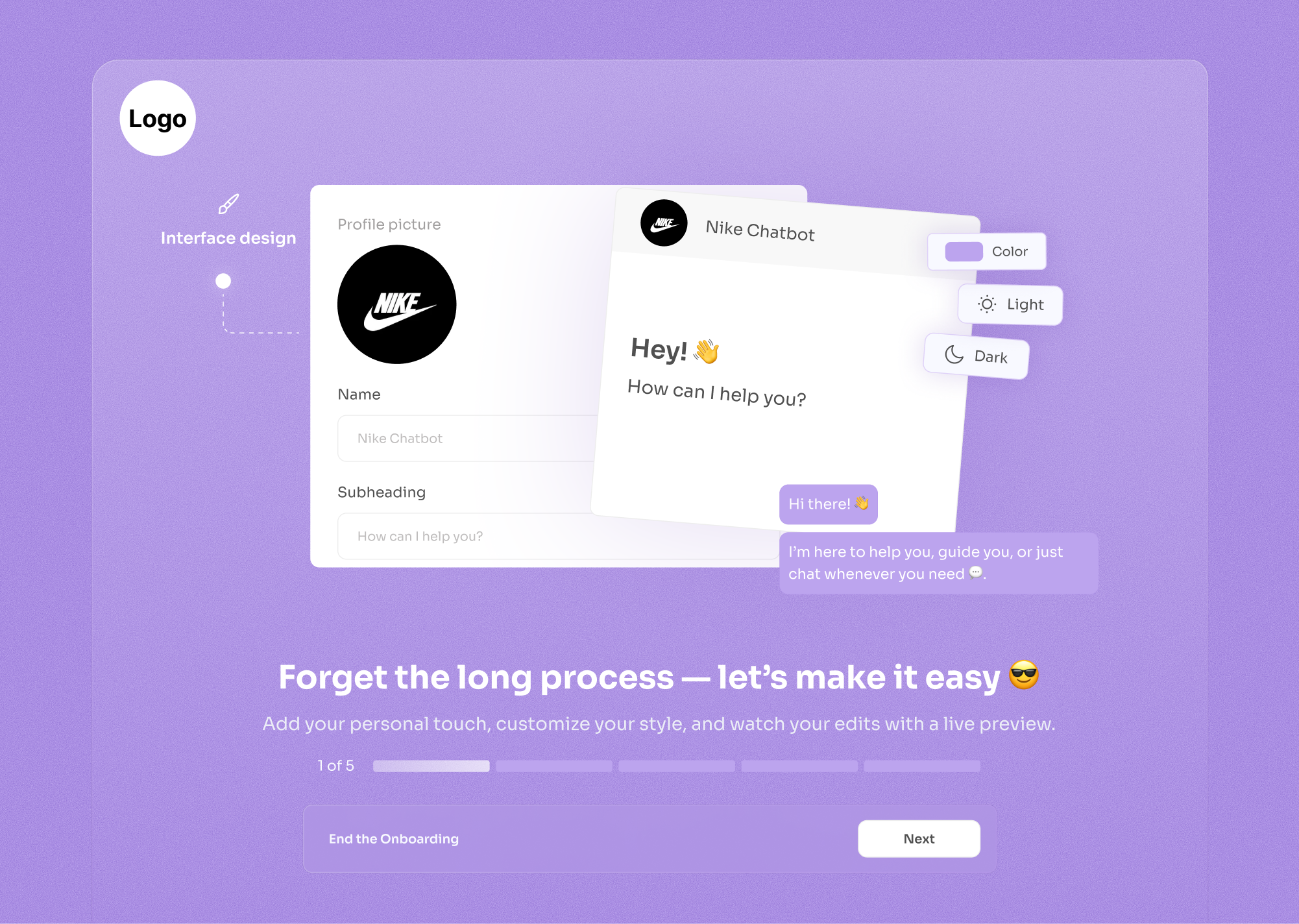
While most platforms force fixed designs or developer-heavy customization, we enable brand-perfect chat styling in minutes, no CSS involved.
When users customize appearance, they're emotionally invested. "I built this" creates stickiness, they're less likely to churn because the chatbot feels uniquely theirs, not a generic template.
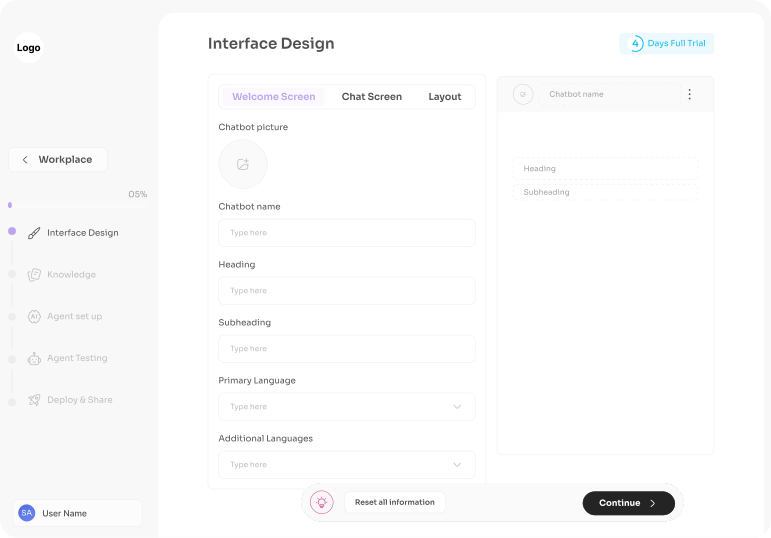
Left side = controls, right side = real-time preview. Users see results immediately, eliminating the anxiety of "what will this look like?" The feedback loop is instant: change color → see it → love it or change again.

Simple: Upload picture, type name (basics)
Medium: Customize heading/subheading (messaging)
Advanced: Fine-tune button colors, outlines, themes (precision)
Users feel they have infinite control even within your structured system. The "Type here" placeholders guide them, but they feel creative freedom. It's controlled chaos that always produces good results.
Every edit shows immediately in the preview. Dopamine hit from "I changed something → I see it now" keeps users engaged and exploring features they might otherwise ignore.
"Reset all information" button with palette icon screams "don't worry, you can't permanently break this." Users experiment more when they know mistakes are reversible.
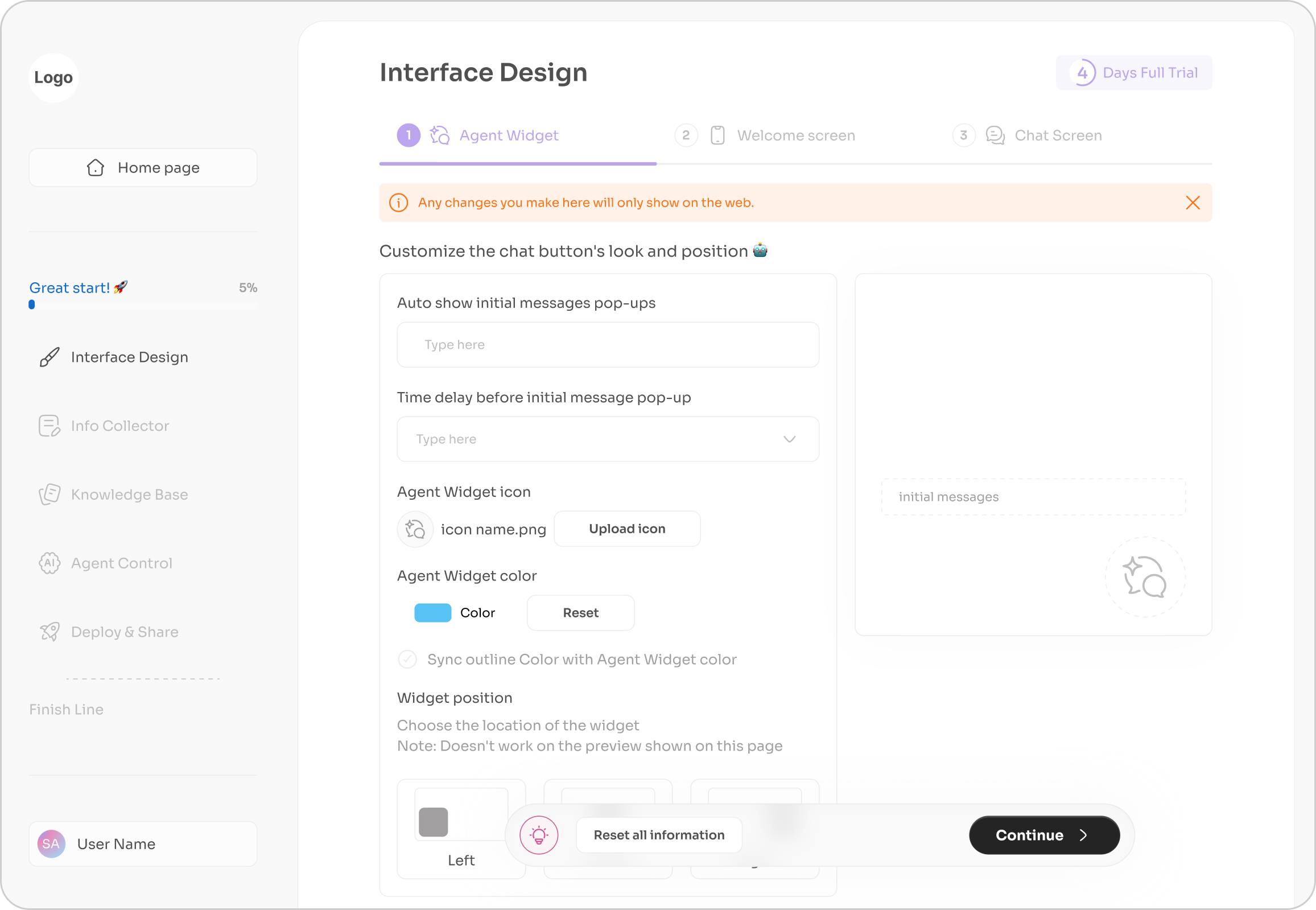
The interface mimics what users expect from design tools (Canva, Figma). Upload image icon, color pickers, text fields: all familiar patterns that require zero learning curve.
Warning Banner sets expectations immediately. transparency prevents disappointment.
Use emojis as casual teaching, it's friendly instructions, not intimidating forms.
Smart default for users who want consistency but don't want to set both colors manually. Reduces decisions for simple cases, still allows override for advanced users.
Top tabs show steps, users know this is step 1 of 3, reducing overwhelm.
Without customization, users might delay launch waiting for "the right look." With it, they launch in the same session, visual polish happens during setup, not as a blocker.
Customization feels premium. Even if backend AI is identical to competitors, "I made this look exactly like my brand" creates perception of higher value, justifying the pricing.
Free tier could have limited customization (2 colors only), paid tier unlocks full palette. Users who care about branding will upgrade immediately.

In this project, I primarily contributed as a UI Designer and Illustrator, while also supporting key UX activities.
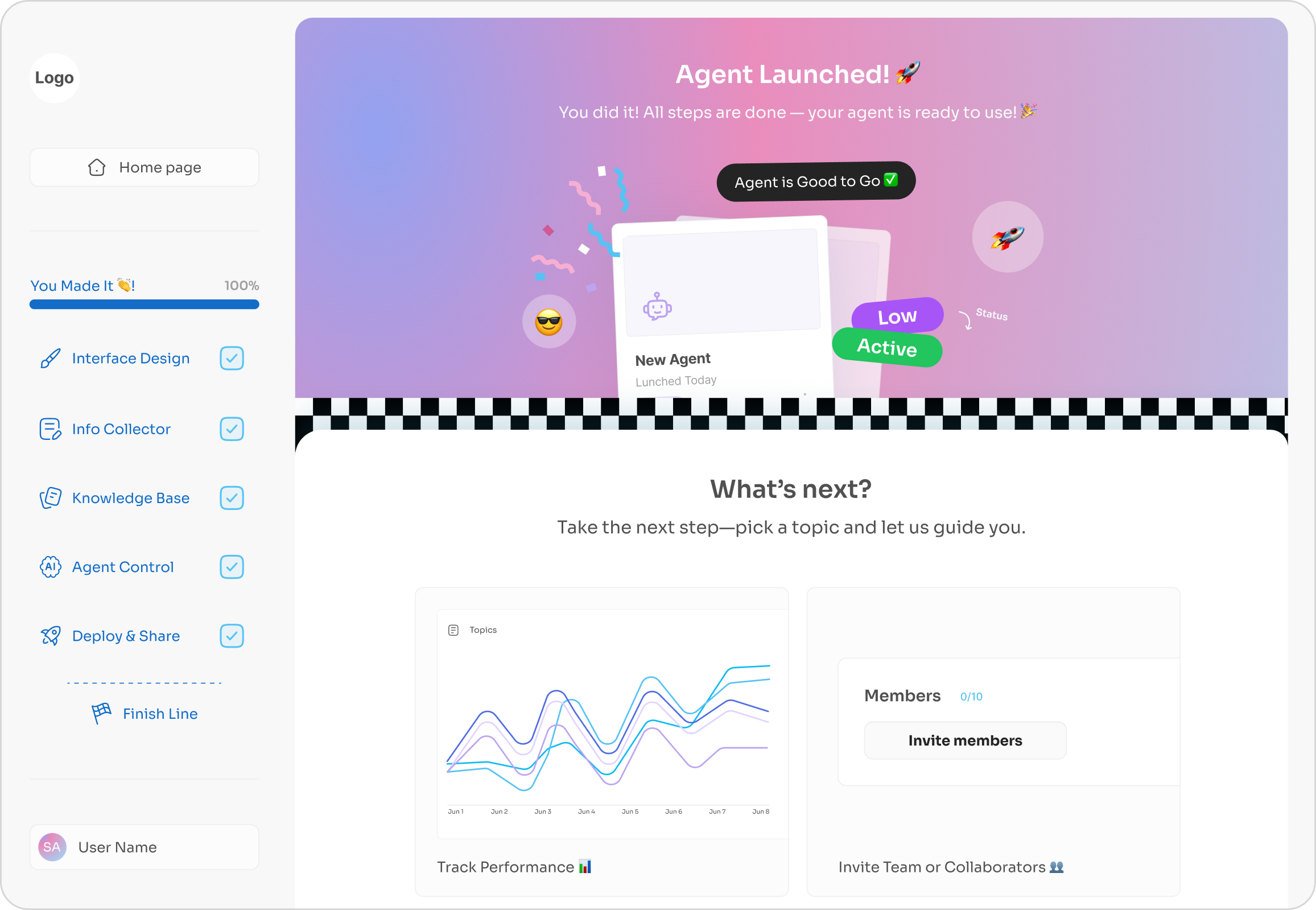
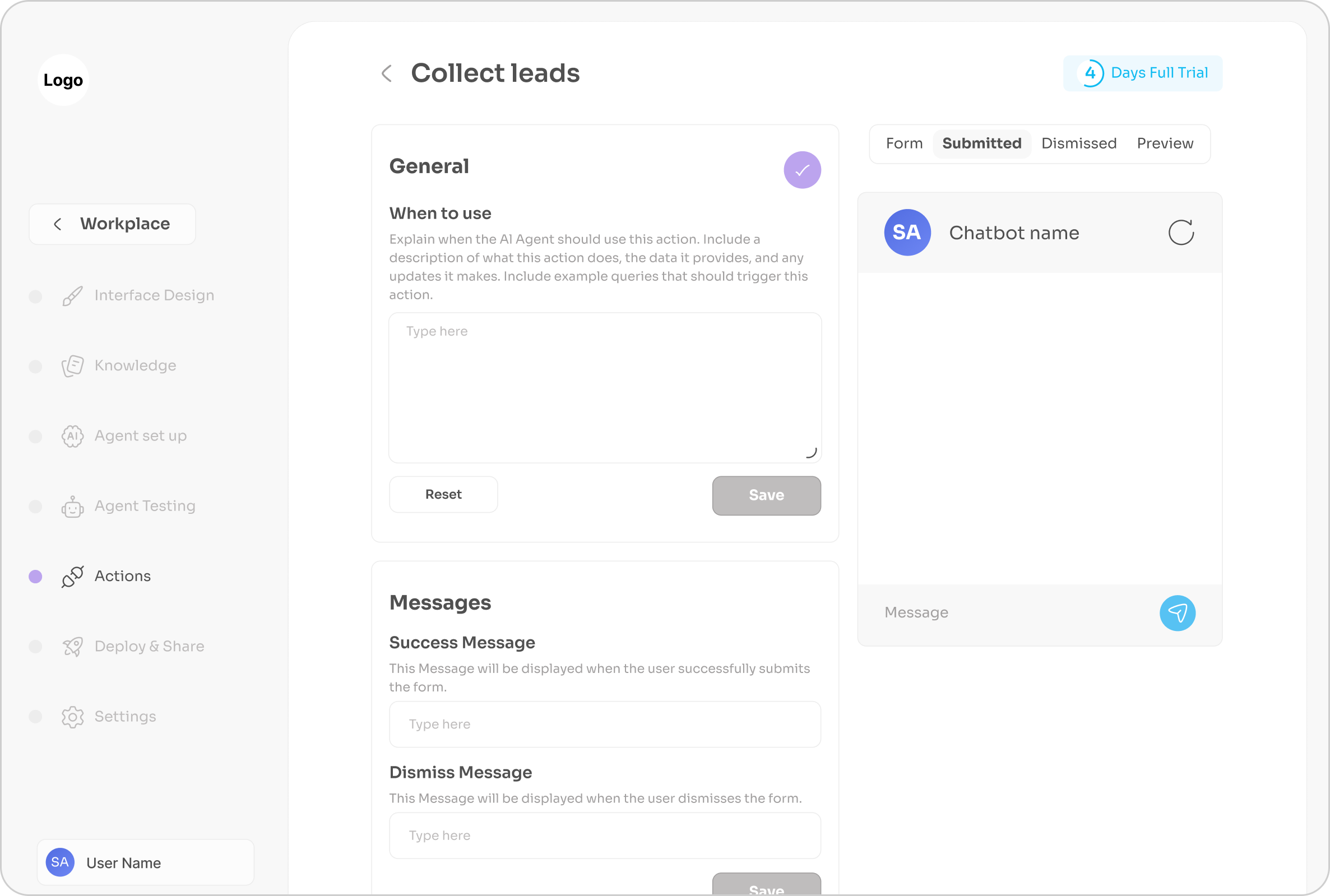
My UX involvement focused on shaping product flows and evaluating the experience across multiple stages; from wireframes to final designs. I conducted user interviews and gathered insights that continuously informed design iterations, allowing the product to evolve based on real user needs.
The journey is structured in four stages:
Insights Gathering → Interface Planning → Design Execution → Testing & Iteration
Each stage reflects the insights gathered, the decisions made, and the design outcomes that ultimately shaped the final product.
Hope you enjoy this ✈️
Timeline
2023 - 4 Months
Team
PM + 2 Designers + 1 Developer
Scope
User Journey Design • Interface Design • Illustration Design
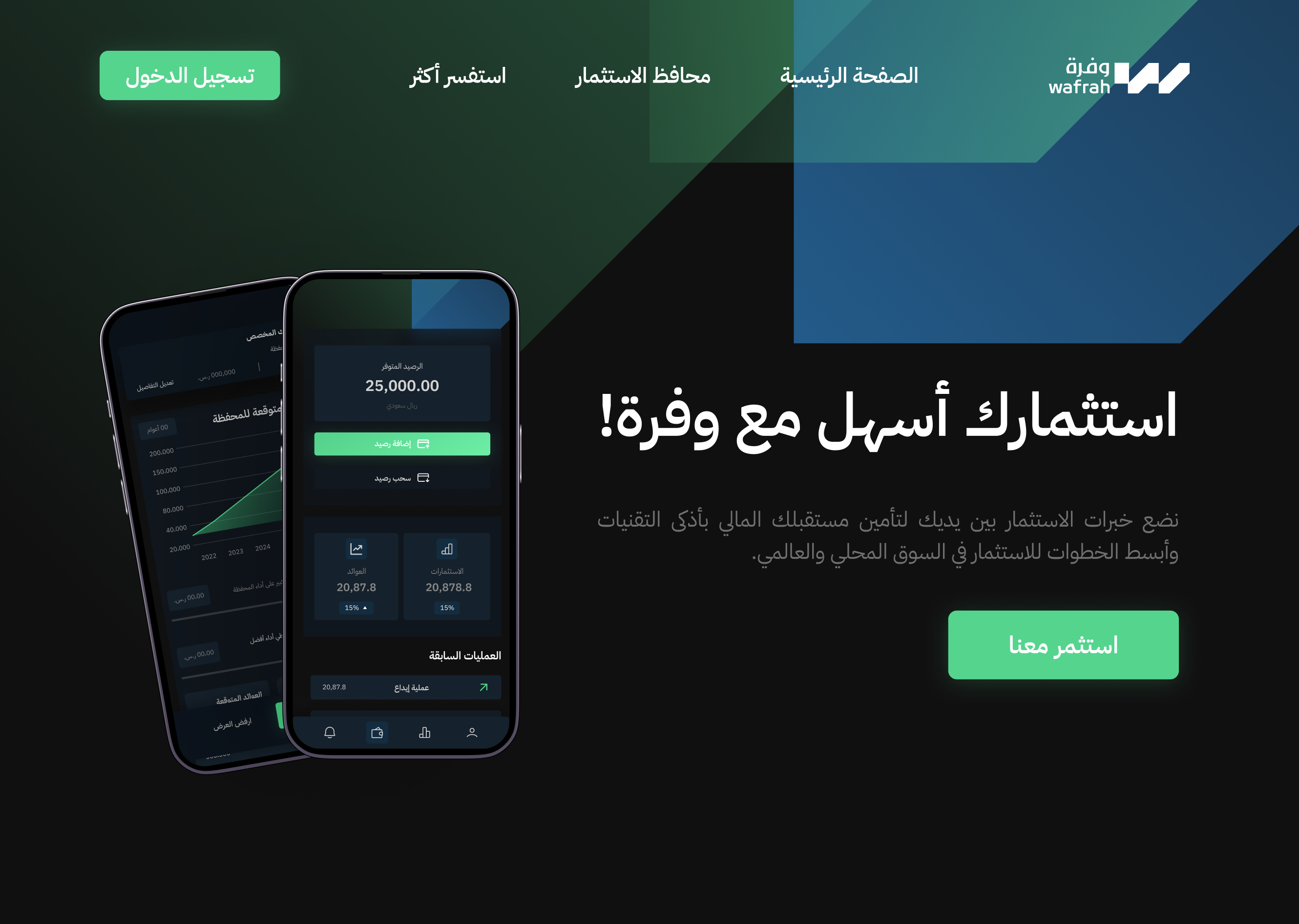
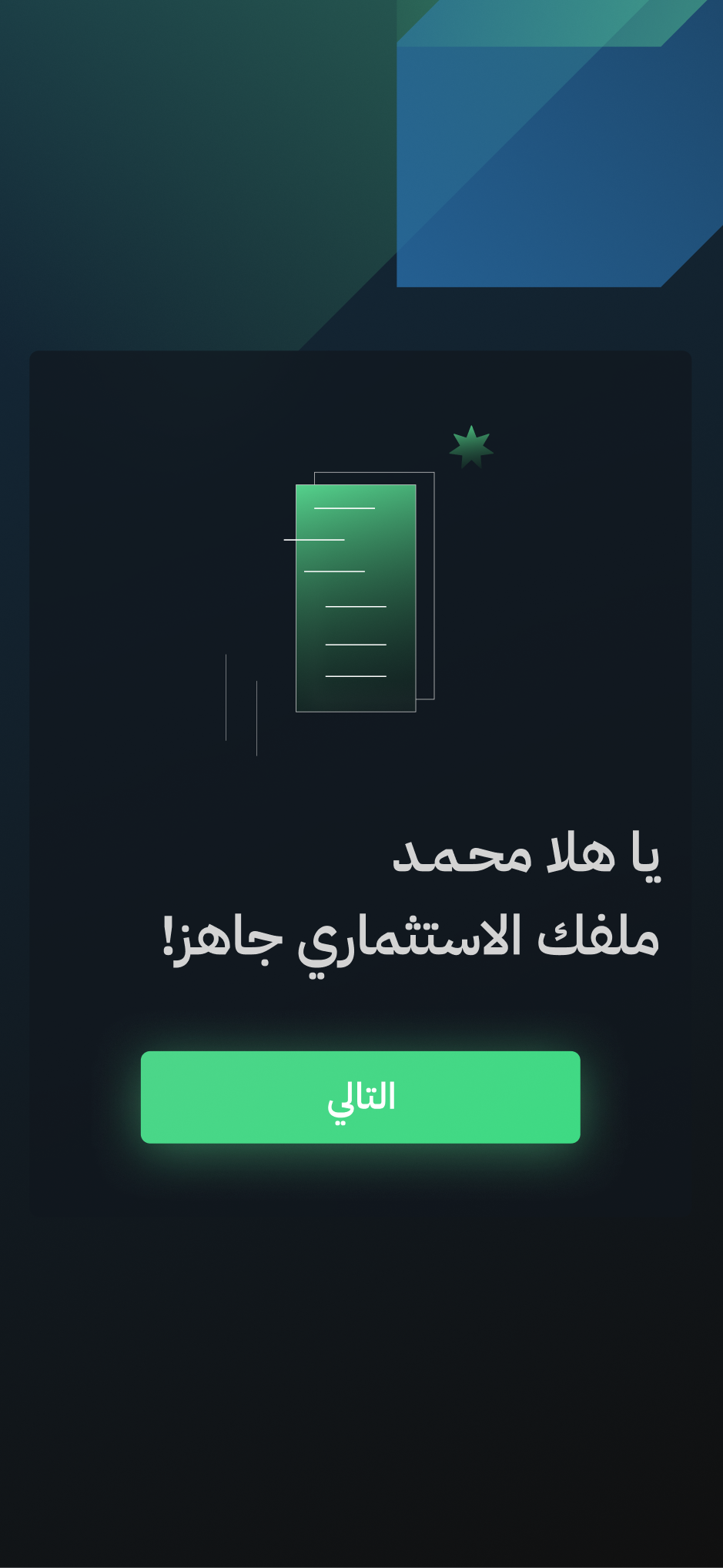
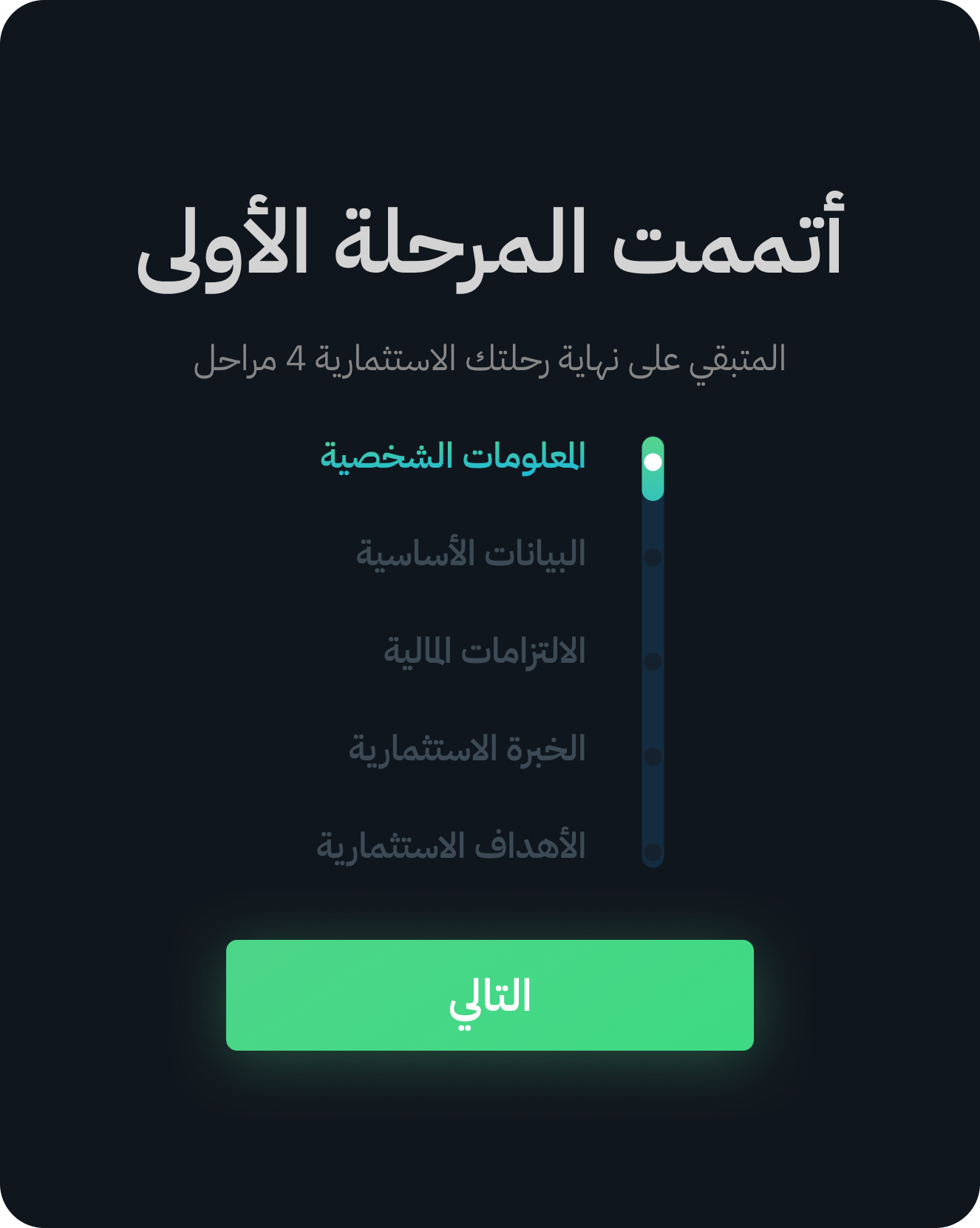
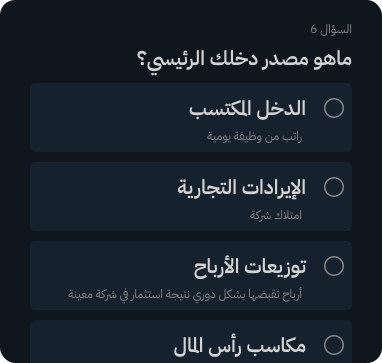
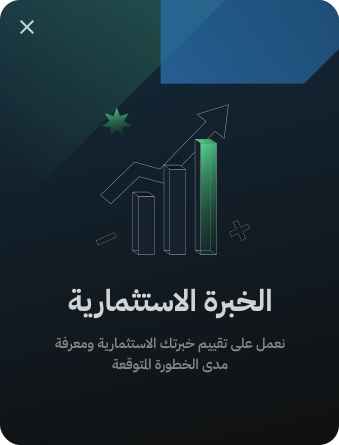
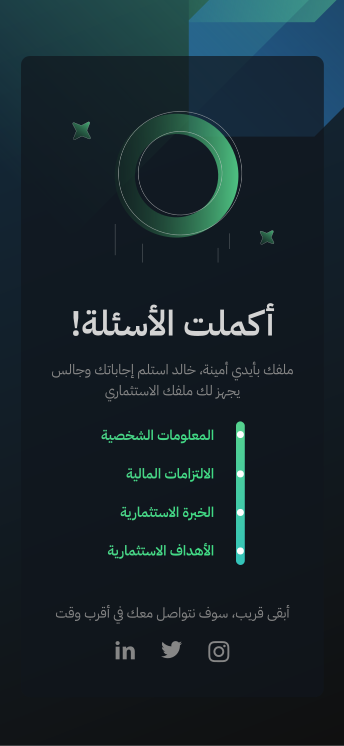
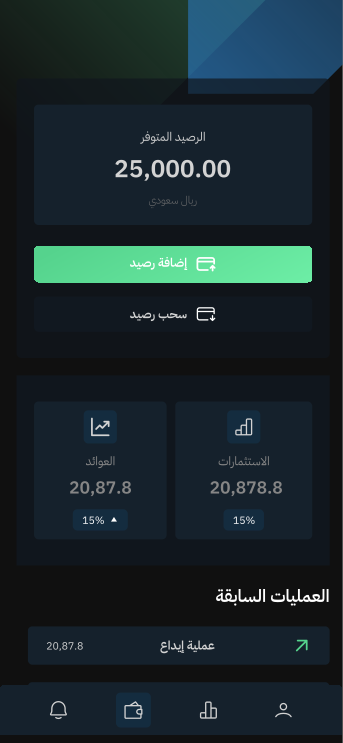
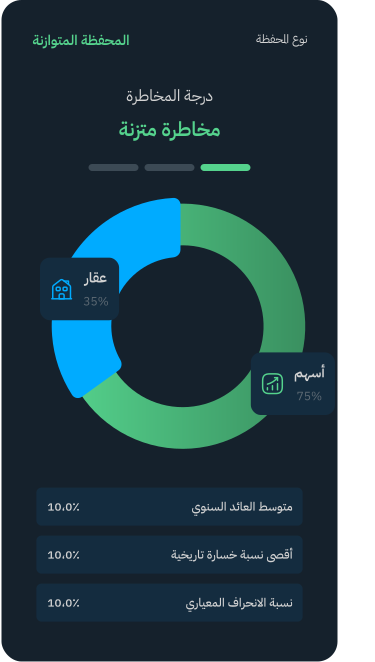
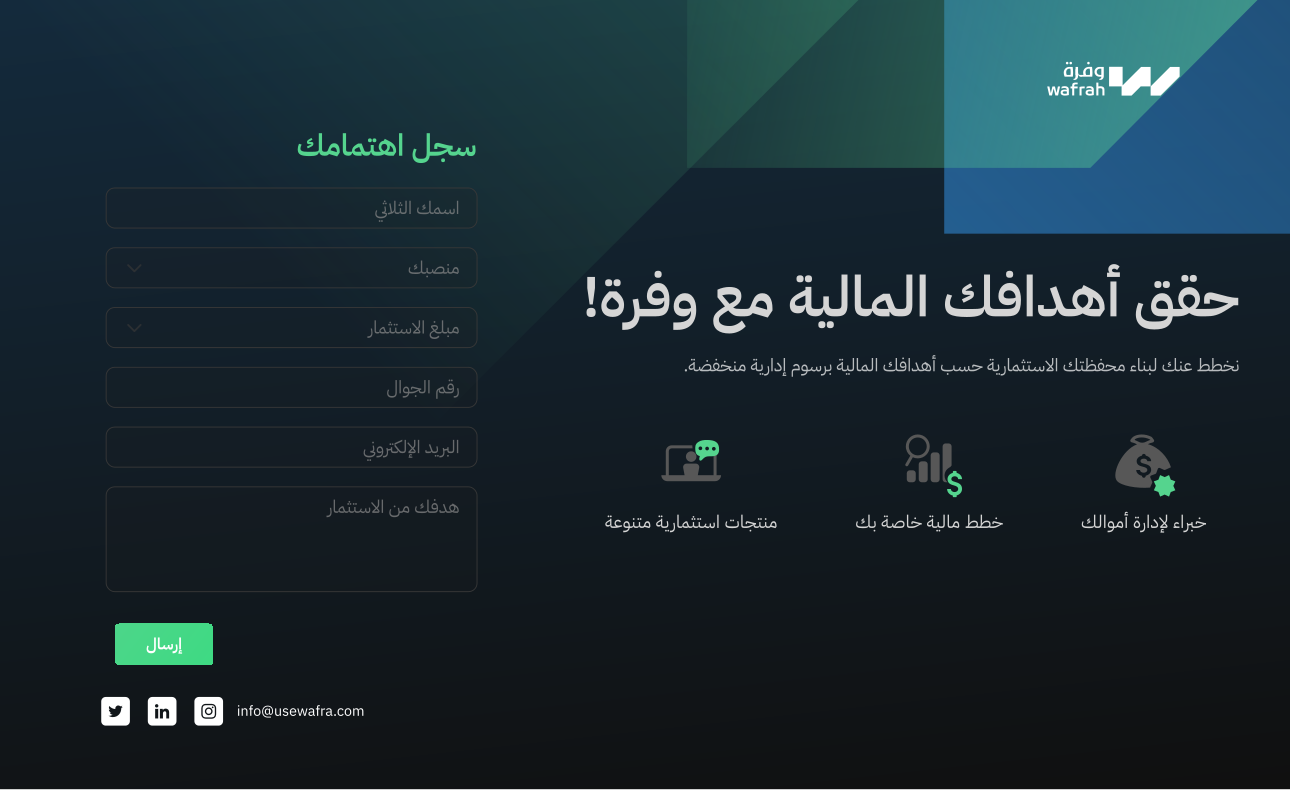
Wafra makes investing easy by guiding users step by step and creating a personalized Wallet based on their goals and finances.
Crafting intuitive investment experiences that simplify complexity and guide confident decisions.
Modern retail investors in the MENA region who value simplicity, transparency, and Sharia-compliant (implied) or structured growth.
I transformed user journeys into clear, focused interfaces, removing friction and making every step feel effortless.
Designing a seamless journey from onboarding to personalized investment insights.


IBM Plex Sans Arabic

#55D28C
#1A1A1A
#142C3F
#796CFF
#00AAFF
#EB6C6D

UI is Built on UX Clarity
Good UI Takes Iteration
Start with an Entry Point
Growth Comes from Self-Challenges